Step 1 : Log in to Your Customer Account
Log in to your customer account, and access the dashboard.
If you're a new user, simply create an account to begin the process.

Log in to your customer account, and access the dashboard.
If you're a new user, simply create an account to begin the process.

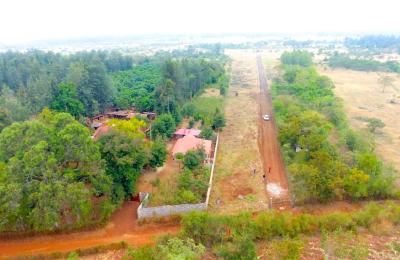
Choose the project you’re interested in and schedule a free on-site visit.
Our team will guide you on the ground so you can view the project, walk the beacons, and confirm the exact plot that suits you.
After the visit, review the project layout on the website and select your preferred 50×100 or other available plot from the listing.
Complete the online booking form directly from your dashboard using your phone or computer.
A copy of your filled form will automatically be emailed to you for your records.

Pay the minimum booking amount through any of PropertyPesa’s authorized payment options (including M-PESA and bank transfer).
You will receive an instant digital receipt plus a Sale Agreement for signing.

Finish payments within your selected payment plan.
After full payment, we prepare the transfer documents and process your title deed.
Once ready, you can collect your title in person from our office or request courier delivery.